 RemoteShift
Best YouTube Tools for Beginners
You don't need a large tool stack to start YouTube — you need a recording method, a basic editor, a simple design tool for thumbnails, and YouTube Studio for analytics. Start with free options and only pay for a tool when it solves a specific problem you already have. The biggest mistake beginners make is buying tools before they have a workflow worth optimizing.
Starting YouTube can get expensive fast if you follow the wrong advice. One creator recommends an editing app; another says you need an AI writer, a thumbnail tool, an analytics platform, a keyword research subscription, and more. Before long, you're spending more time managing subscriptions than making videos.
The truth is simpler. You do not need a huge tool stack to start YouTube. You need tools that help you plan, create, publish, and learn — and you need the minimum version of each until you have evidence that more is genuinely needed.
Start With the Smallest Tool Stack Possible
For your first videos, the starter kit is intentionally lean: one notes or document app for planning, your existing phone or computer for recording, one beginner-friendly video editor, one simple design tool for thumbnails, and YouTube Studio for publishing and analytics. That's it. You do not need five alternatives for each job. You need one tool per function that you can actually use consistently.
YouTube Studio gives you what you need to manage content and review channel and video performance. It's free, it's built for this, and most beginners underuse it while paying for analytics tools that tell them roughly the same things with a different interface. Open YouTube Studio before you pay for anything else.
Choose Tools by Job, Not by Hype
Instead of asking "what are the best YouTube tools?" ask a better question: what job am I trying to get done? That question makes every tool decision much easier because it forces you to start from the actual problem rather than from a list of features you might never use.
Planning and ideas: A simple notes or document app is enough. Use it to track video ideas, questions your audience asks, possible titles, hooks, and lessons from previous videos. YouTube search itself is also one of the most useful planning tools — it shows you what people are already looking for in your niche, for free.
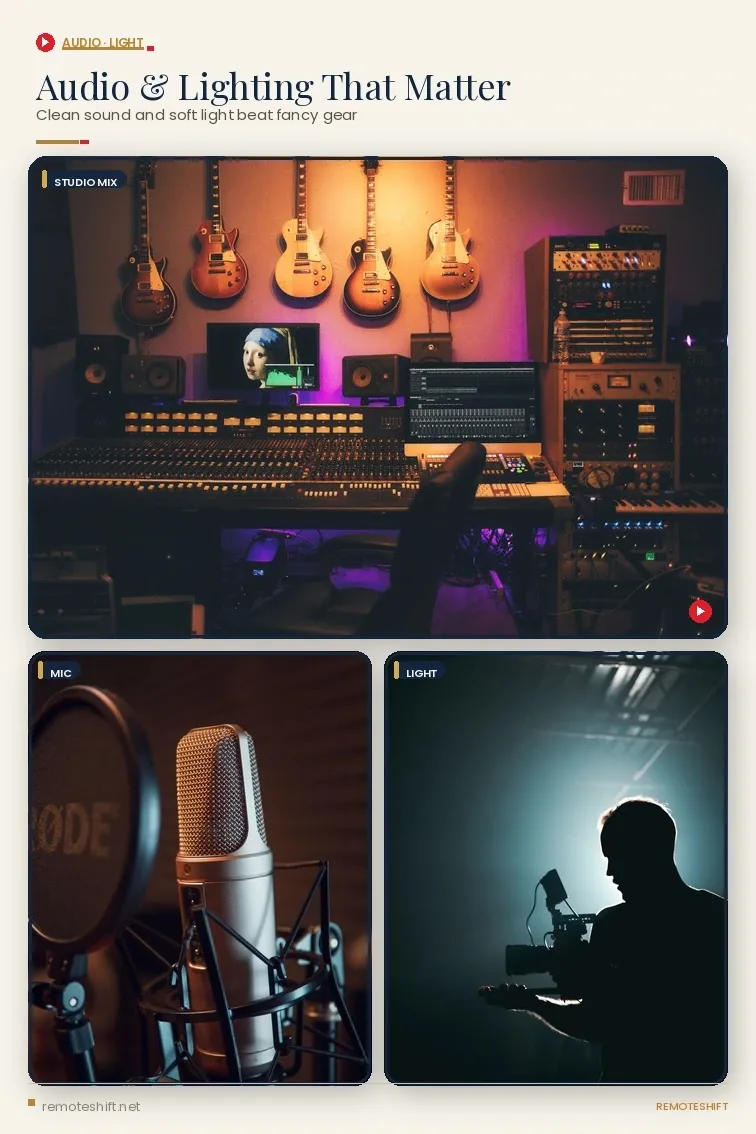
Recording: If your phone produces good enough video, use it. Better lighting and clear audio will matter more than camera quality for most beginners. A $20 lapel mic will often do more for your channel than a $500 camera upgrade.
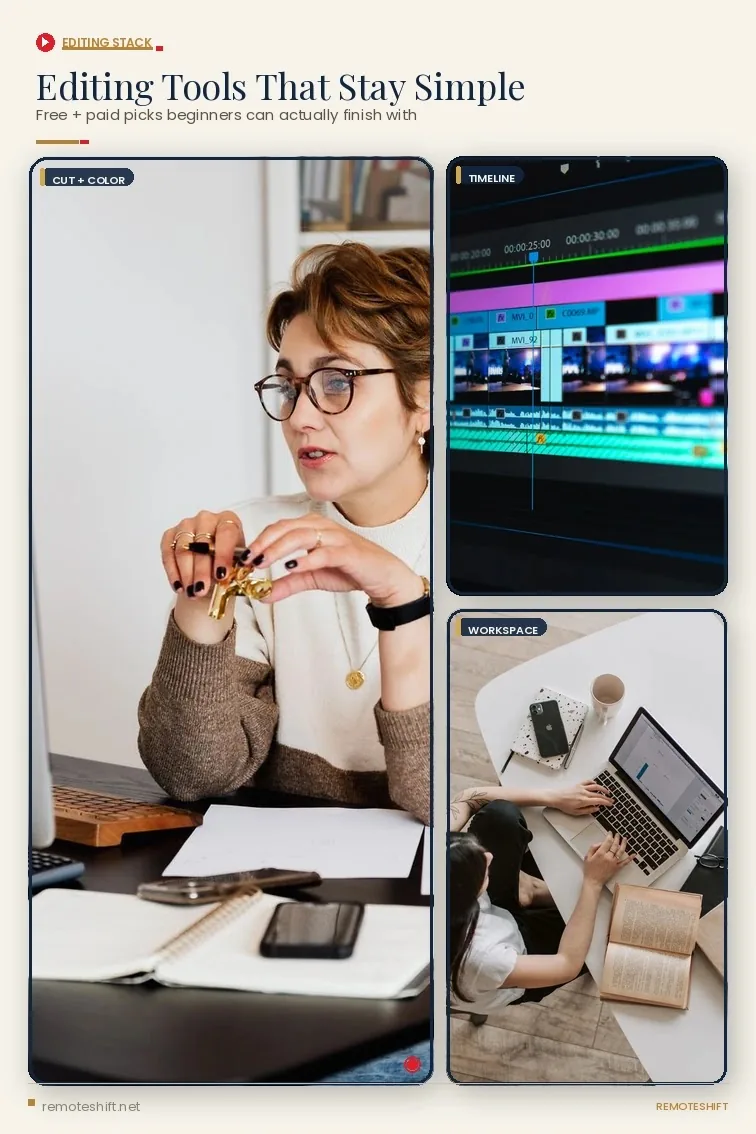
Editing: Choose an editor you can actually learn and use consistently. The goal is not to own the most powerful editing software. The goal is to finish the next video. A tool you're still figuring out three months in is the wrong tool for now.
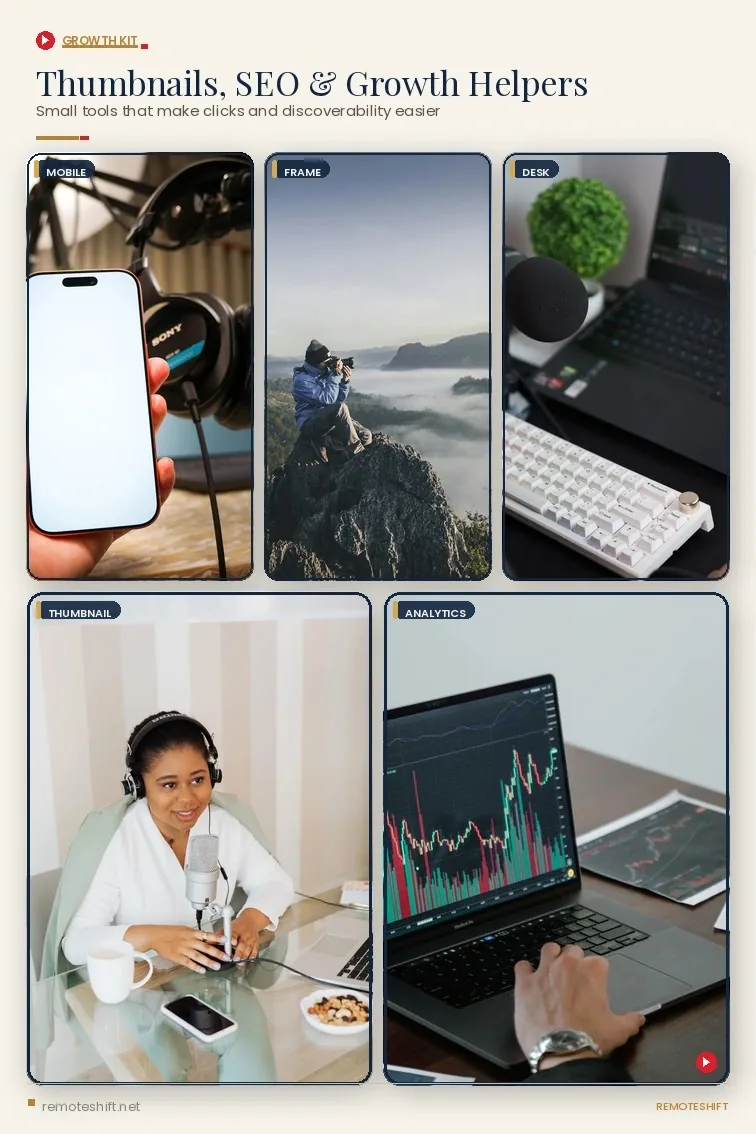
Thumbnails: One simple design tool, focused on one clear idea, readable text, strong contrast, and minimal clutter. A complicated thumbnail isn't automatically a better thumbnail — clarity usually beats complexity.
Analytics: YouTube Studio. Look for patterns across your videos: which topics attract viewers, which videos keep people watching, which titles and thumbnails earn clicks. You don't need to track every number. You need to find the patterns that tell you what to do differently in the next video.
On-Camera vs. Faceless: Do You Need Different Tools?
A little, but less than most people assume. An on-camera channel may eventually benefit from better lighting, better audio, a dedicated camera, and a teleprompter. A faceless channel may need more emphasis on voiceover quality, screen recording software, a stock footage source, and stronger editing.
But neither approach requires buying everything upfront. Your format should determine your tools — not the other way around. Figure out which approach you're taking first, then identify the one tool that would meaningfully improve your production for that format.
If you're building without appearing on camera, read How to Start a Faceless YouTube Channel in 2026: No Camera, No Studio, Real Numbers to understand what actually matters for that approach before investing in tools.
One example of a research tool: vidIQ is a YouTube analytics and keyword-research tool that runs as a browser extension and app. It helps you see what people search for and how videos in your niche perform. It is not a shortcut to views, and you do not need it before your first upload. Start with free tools, and only pay once you know you will use one every week.
When Should You Pay for a Tool?
Use this simple rule: don't pay because a tool has more features. Pay because it solves a problem you already have. Before subscribing to anything, ask five questions: What exact problem will it solve? How much time will it save me per week? How often will I actually use it? Can I do the same thing for free right now? Can I cancel easily if it doesn't help?
If editing takes six hours every week and a paid tool genuinely cuts that in half, the subscription may be worthwhile. If you have published three videos and an expensive analytics platform gives you more information than you know what to do with — wait. Evidence should drive upgrades, not marketing copy.
Where AI Tools Actually Help
AI tools are genuinely useful for brainstorming video ideas, creating first-draft outlines, developing title options, improving video descriptions, generating thumbnail concepts, repurposing your existing content, and speeding up repetitive tasks like transcription or caption cleanup.
The risk is using AI as a substitute for judgment, originality, research, and fact-checking. There's a meaningful difference between AI assistance and letting AI produce generic content with minimal human input. YouTube's standards around original and authentic content apply regardless of production method — repetitive, lightly altered, or mass-produced AI content can trigger monetization restrictions even without a copyright claim. Use AI to move faster. Keep the thinking, the research, and the quality bar yours.
If you would rather start from a script than an empty timeline, InVideo can build a draft video from a text prompt, with stock footage and an AI voiceover you can edit. Treat the draft as a starting point, not a finished video, and check the plan limits before you pay for anything.
Disclosure: the InVideo link is an affiliate link. If you sign up through it, I may earn a commission at no extra cost to you.
What Beginners Should Not Buy Yet
This is where most new creators waste money. You probably don't need multiple AI writing subscriptions running simultaneously, several competing thumbnail platforms, expensive analytics software on top of YouTube Studio, a large stock footage subscription before you're regularly publishing, expensive camera equipment before your current setup is actually limiting your channel, or automation software before you have a working production process.
There's a psychological trap worth naming: buying tools feels like progress. It feels like doing something toward the goal. But publishing a video is progress. Learning from its performance is progress. Another subscription is not automatically progress — and the feeling of momentum it provides can actually delay the work that would create real momentum.
Build Your Tool Stack in Three Stages
Stage 1 — Start free: Use what you already have. Your objective is to publish useful videos and learn what your audience responds to. Don't optimize a workflow that doesn't exist yet.
Stage 2 — Find the bottleneck: After several videos, ask what is slowing you down every week. Maybe editing takes too long. Maybe thumbnails consume too much time. Maybe research is the problem. Now you have evidence — a specific problem a tool might actually solve.
Stage 3 — Upgrade selectively: Fix one bottleneck at a time. After each upgrade, ask whether it actually improved speed, quality, consistency, output, or revenue. If the answer is no, cancel it. Tool decisions made from evidence work out better than tool decisions made from anxiety or FOMO.
When you're ready to think about delegating or automating parts of your production, see YouTube Automation for Beginners for what's realistic and what it actually costs.
Your 30-Minute YouTube Tool Setup
You can set up your starter stack today. Spend the first 10 minutes creating one document called "YouTube Content System" with four sections: Ideas, Scripts, Videos in Progress, and Published Videos. Spend the next 10 minutes choosing one recording method, one editing tool, and one design tool for thumbnails — just one of each, and free to start. Spend the final 10 minutes opening YouTube Studio and familiarizing yourself with uploading, content management, and where your analytics live. That's a complete working setup. Improve it after you have something to improve.
Want the whole stack on one page? See the YouTube tools comparison sheet.
Disclosure: some links in this post are affiliate links. If you sign up through them, RemoteShift may earn a commission at no extra cost to you.
Frequently Asked Questions
What's the best free YouTube tool stack for beginners?
Your phone or computer for recording, a free video editor (DaVinci Resolve, CapCut, or iMovie depending on your device), a free design tool like Canva for thumbnails, a notes app for planning, and YouTube Studio for publishing and analytics. That's a complete free stack that can take you from zero to your first published videos.
Do I need a keyword research tool to grow on YouTube?
Not at the start. YouTube search itself shows you what people are searching for in your niche. As your channel grows and you want more data, keyword tools become more useful — but the audience and topic clarity you develop from actually publishing is more valuable early on than any keyword data.
Is YouTube Studio good enough for analytics?
Yes, for most beginners and many established creators. It shows impressions, click-through rate, watch time, audience retention, traffic sources, and subscriber data. Third-party analytics tools provide more depth and competitor data, but YouTube Studio is the right place to start and the source of truth for your own channel performance.
When should I upgrade my camera for YouTube?
When your current camera is clearly limiting your viewer experience and your content quality is already strong. Most beginners upgrade their camera before improving their lighting, audio, or scripting — in that order, lighting and audio almost always have a bigger impact on perceived quality than the camera itself.
Are AI video tools worth it for YouTube beginners?
Selectively. AI tools that speed up specific tasks you already do — outlining, descriptions, captions, brainstorming — are worth exploring once you have a regular publishing rhythm. AI tools that promise to do everything (script, voice, video) with minimal input tend to produce content that struggles to meet YouTube's originality standards. Use AI to assist your process, not to replace your judgment.
Not sure whether YouTube is the right path for you? Take the free RemoteShift assessment to find the online income route that fits your skills, time, and goals.
Pay and price figures in this guide are typical ranges from public listings and platform pages, not guarantees. Your rate depends on your skills, country, client and platform.