 RemoteShift
YouTube Tools Comparison Sheet: Free, Paid, AI & Automation
The best YouTube tool stack for beginners is small: YouTube Studio, the phone or webcam you already own, one free video editor (CapCut or DaVinci Resolve), Canva for thumbnails, and one AI tool if it saves you time. Start free, publish videos, find what actually slows you down, and upgrade only that one thing.
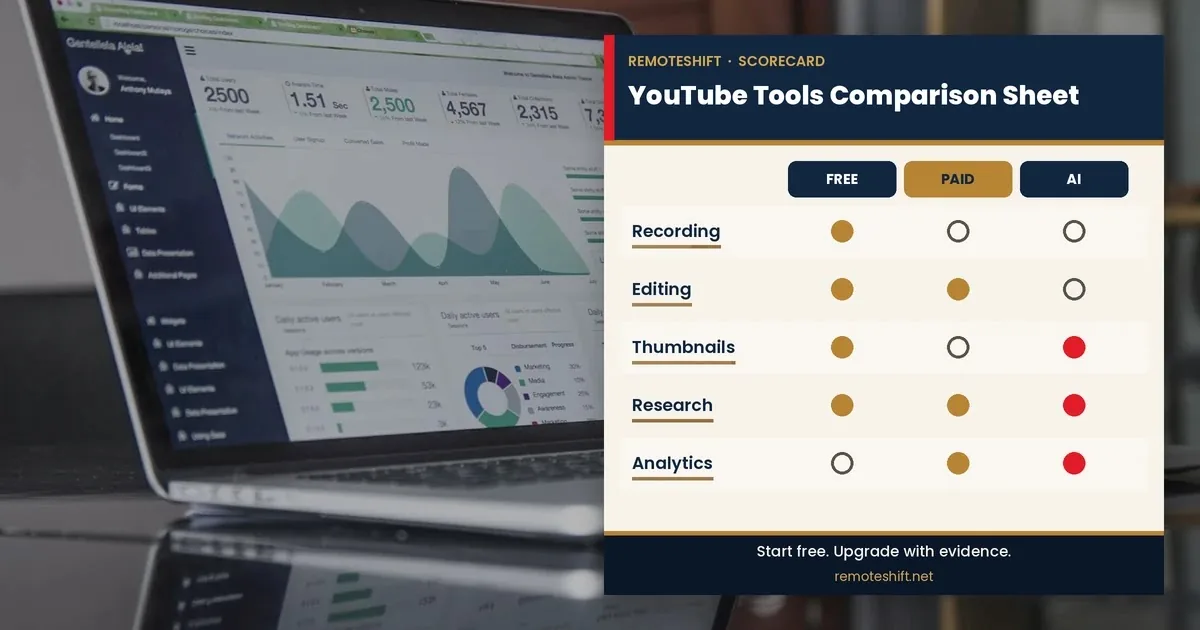
You do not need a huge software stack to start a channel. Most beginners overspend on tools before they have published a single video. This comparison sheet shows what to use now, what to consider later, and what you can skip for now.
Last reviewed: September 2026. Free plans and features change, so check each tool's current pricing before you commit.
What is the best beginner YouTube tool stack?
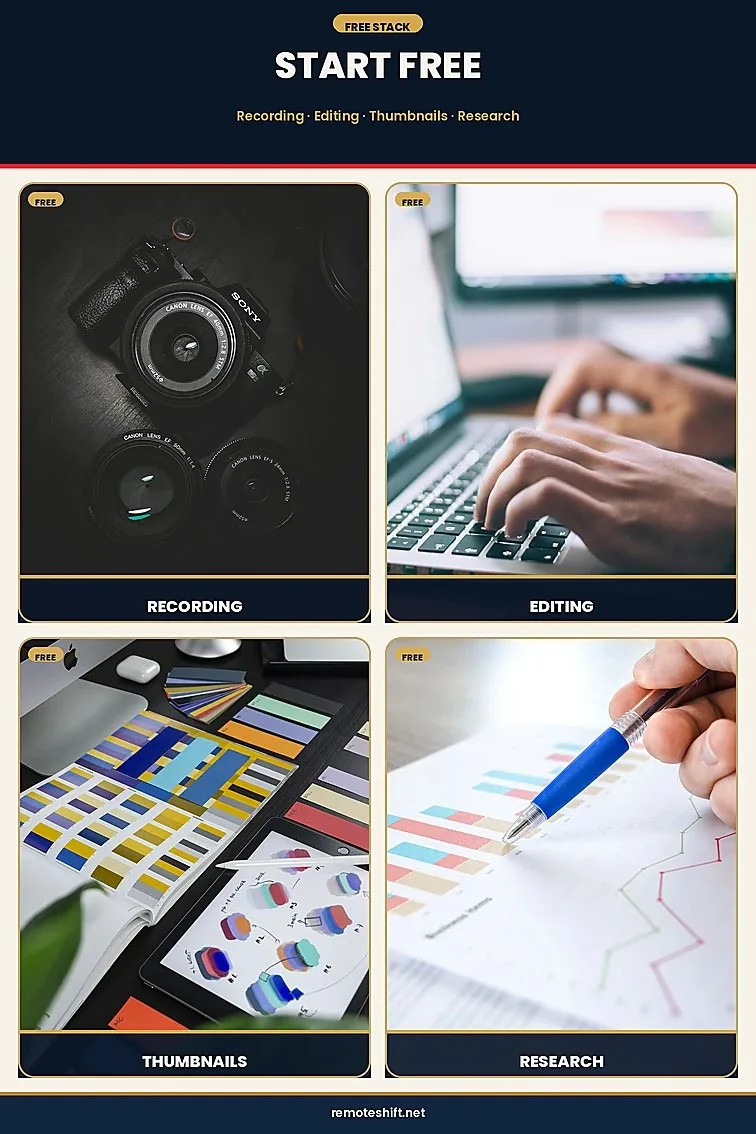
Here is the whole sheet in one table. Each row is one job, the free place to start, and the signal that it's time to upgrade.
| Job | Start with | Upgrade when... |
|---|---|---|
| Channel management | YouTube Studio | You hit a specific workflow or reporting limit |
| Recording | Phone or existing webcam | Image or audio quality is truly limiting the video |
| Editing | CapCut or DaVinci Resolve | Editing becomes your biggest bottleneck |
| Thumbnails | Canva | You keep needing a feature your plan lacks |
| Screen recording | OBS Studio | You need a different workflow |
| Research | YouTube Search + Studio | Research volume becomes hard to manage |
| AI assistance | One AI tool | Repetitive work eats meaningful time |
| Analytics | YouTube Studio Analytics | You can name a specific gap in it |
| Automation | Manual workflow first | Your process is proven and repeatable |
You don't need every tool on that list. Pick the smallest stack that lets you publish consistently.
Do you need to buy a camera or mic to start?
No. Start with the phone, laptop, or webcam you already own. The goal at this stage is to test your content format, not to build a studio.
Consider better equipment only when you're publishing consistently, you know what kind of videos you make, and image or audio quality is genuinely holding them back. Expensive gear can't fix a weak topic, a poor script, or an inconsistent upload schedule.
Which free video editor should a beginner use?
CapCut is the quicker way in if you want to start cutting videos today. DaVinci Resolve is the stronger choice if you want more advanced editing and don't mind a steeper learning curve. Both have free options.
Pick one and learn it properly. More features don't automatically make better videos, and for many beginners the simpler editor is simply faster. Upgrade only when your current editor creates a real production bottleneck.
What should you use for thumbnails?
Canva covers thumbnails, simple graphics, and channel art on its free plan. Use the features you actually need and skip the rest.
A paid design subscription won't fix a thumbnail by itself. The idea, the title it pairs with, and how clear it looks at small size matter more than the software.
How do you research video ideas for free?
Start where your audience already watches: YouTube Search and YouTube Studio. Look for questions people keep asking, topics with clear viewer interest, gaps in existing videos, and problems you can explain better than what's already out there.
Add a paid research tool only when research itself becomes a real bottleneck. More keyword data doesn't guarantee better content. Understanding your audience does.
How should beginners use AI tools for YouTube?
Use one capable AI tool before you subscribe to several. It's useful for brainstorming, outlining, organizing research, drafting, rewriting, checklists, and repurposing your own content. Pay only when it saves you meaningful time on a specific job.
AI output still needs your review. Don't publish something just because a tool produced it.
If you would rather start from a script than an empty timeline, InVideo can build a draft video from a text prompt, with stock footage and an AI voiceover you can edit. Treat the draft as a starting point, not a finished video, and check the plan limits before you pay for anything.
Disclosure: the InVideo link is an affiliate link. If you sign up through it, I may earn a commission at no extra cost to you.
Are YouTube Studio analytics enough at the start?
Yes. Use them before you pay for anything else. Ask four questions: which videos are getting attention, where do viewers drop off, which topics perform better, and which videos attract the audience you actually want?
Consider another analytics tool only when you can name a specific limitation in what you have. More data doesn't automatically create better decisions.
Should you automate your YouTube channel early?
No. Do not automate a process you haven't learned yourself. Automation multiplies a bad process just as easily as a good one.
- Create the content yourself.
- Prove the format works.
- Document the workflow.
- Identify repetitive tasks.
- Delegate the right ones.
- Automate only where it makes sense.
If you want the full breakdown of how to do this safely, read YouTube automation for beginners.
How do you build your YouTube stack in three stages?
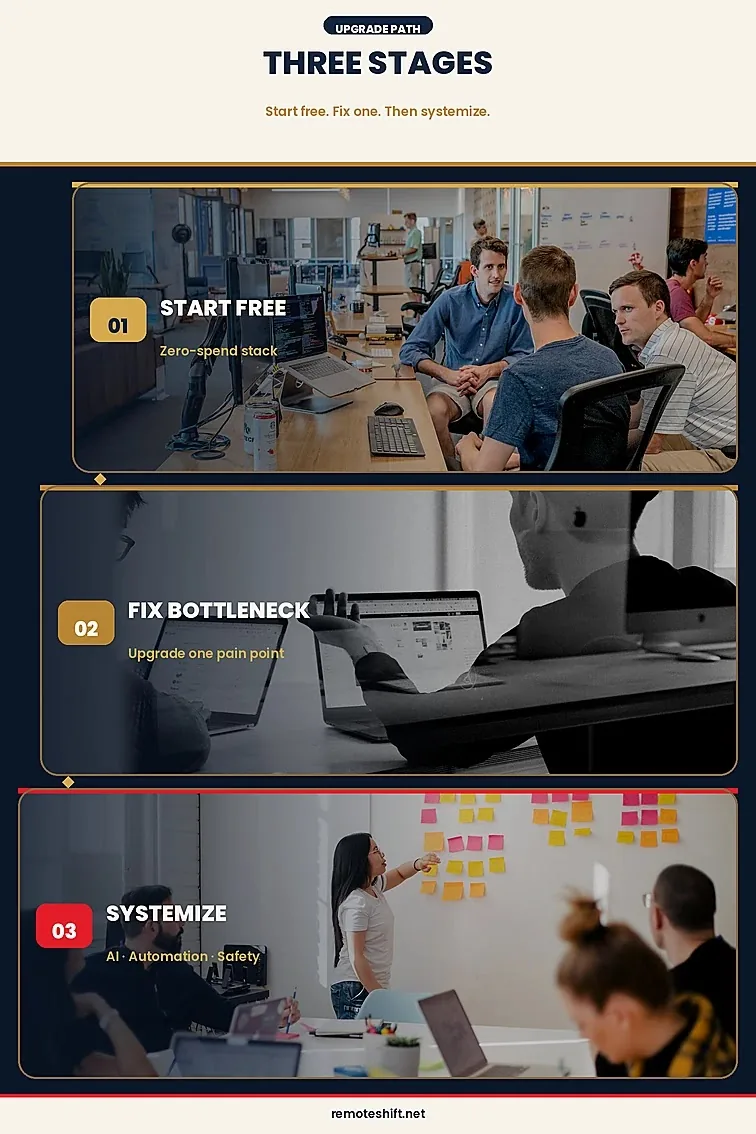
Stage 1: Start free. YouTube Studio, your existing phone or webcam, one video editor, Canva or another simple design tool, and one AI tool if it's useful. That's enough to begin.
Stage 2: Fix the bottleneck. After several videos, ask what's actually slowing you down: research, recording, editing, thumbnails, audio, organization, or repetitive work. Upgrade that one problem, not everything.
Stage 3: Systemize and delegate. Once the workflow repeats reliably: create, document, systemize, delegate, review. Automation comes last.
What YouTube tools can you skip for now?
- An expensive camera
- Multiple AI subscriptions
- Several video editors
- Premium thumbnail software
- Expensive automation platforms
- Large stock-media subscriptions
- Complicated analytics tools
- Any software that solves a problem you don't have yet
A subscription isn't progress. Publishing, learning, and improving are.
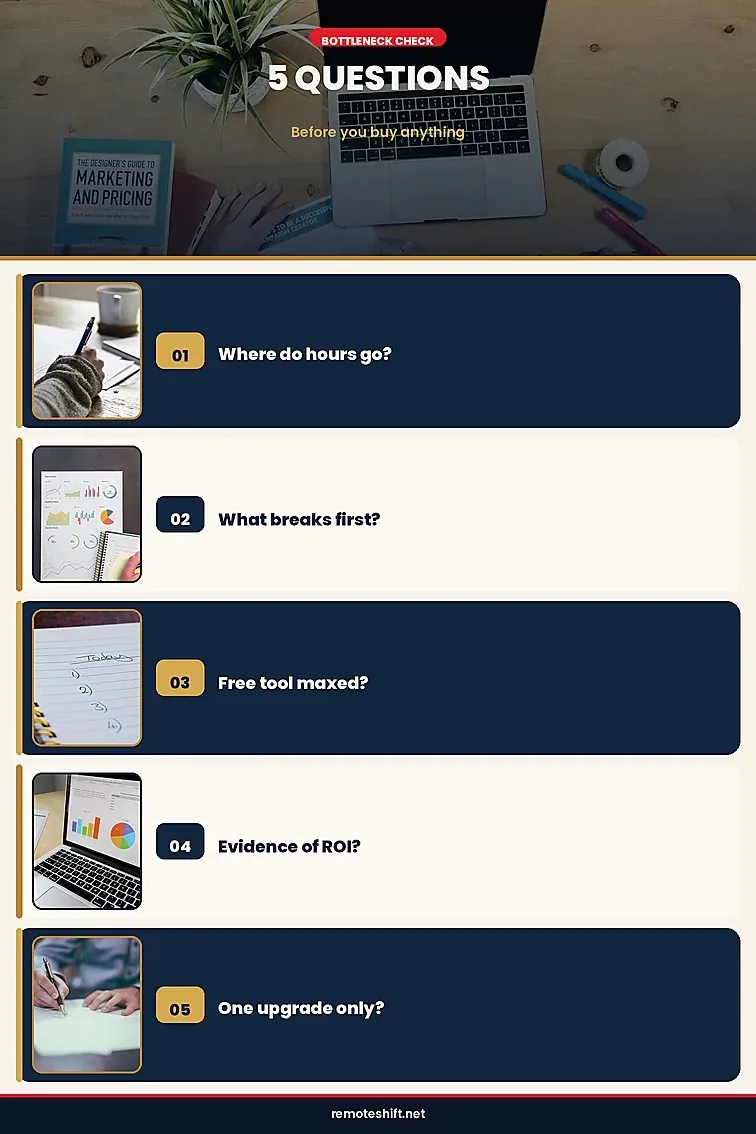
What 5 questions should you ask before upgrading a tool?
- What problem am I solving? If you can't answer this clearly, don't buy it.
- Is my current tool actually causing it? If not, keep using it.
- How often does the problem occur? An occasional annoyance rarely justifies another monthly fee.
- Will the upgrade save real time or improve quality? Be specific.
- Can I test it first? Use a free version or trial whenever you can.
What should you check about AI, copyright, and safety?
Before you publish anything made or assisted by AI:
- Review the output yourself and check important facts.
- Confirm you have the rights to any music, images, and video clips.
- Don't copy another creator's content with only surface changes.
- Keep your content original and useful.
- Review YouTube's current policies on AI, reused content, copyright, and monetization.
When in doubt, check the current platform rules before you publish.
Frequently asked questions
What tools do I need to start a YouTube channel?
Very few. YouTube Studio, a phone or webcam you already own, one free video editor such as CapCut or DaVinci Resolve, and Canva for thumbnails are enough to publish your first videos.
Are free YouTube tools good enough for beginners?
Yes. Free tools cover recording, editing, thumbnails, research, and analytics well enough to publish consistently. Upgrade only when a specific limitation is slowing you down.
Which video editor is best for a beginner?
CapCut is the quicker start. DaVinci Resolve offers more advanced features but takes longer to learn. Choose one and stick with it long enough to get fast.
Do I need a paid AI tool for YouTube?
Not at first. One free or freemium AI tool covers brainstorming, outlining, and drafting. Pay only when it clearly saves you meaningful time.
When should I automate my YouTube workflow?
After you've made the videos yourself, proven the format works, and documented the process. Automating an unproven process just multiplies the problems.
How much should I spend on YouTube tools when starting out?
Nothing is a valid answer. The free options above are enough to start, and any spending should solve a specific problem you've already hit.
Where to go next
- For a deeper walkthrough of choosing tools by job, read Best YouTube Tools for Beginners.
- Still deciding if YouTube is worth it? Start with how to make money on YouTube as a beginner.
- Ready to think about income? See how to monetize a YouTube channel.
Not sure YouTube is the right online-income path for you? Take the free 60-second quiz at remoteshift.net and get matched to a path that fits your skills, time, and budget.